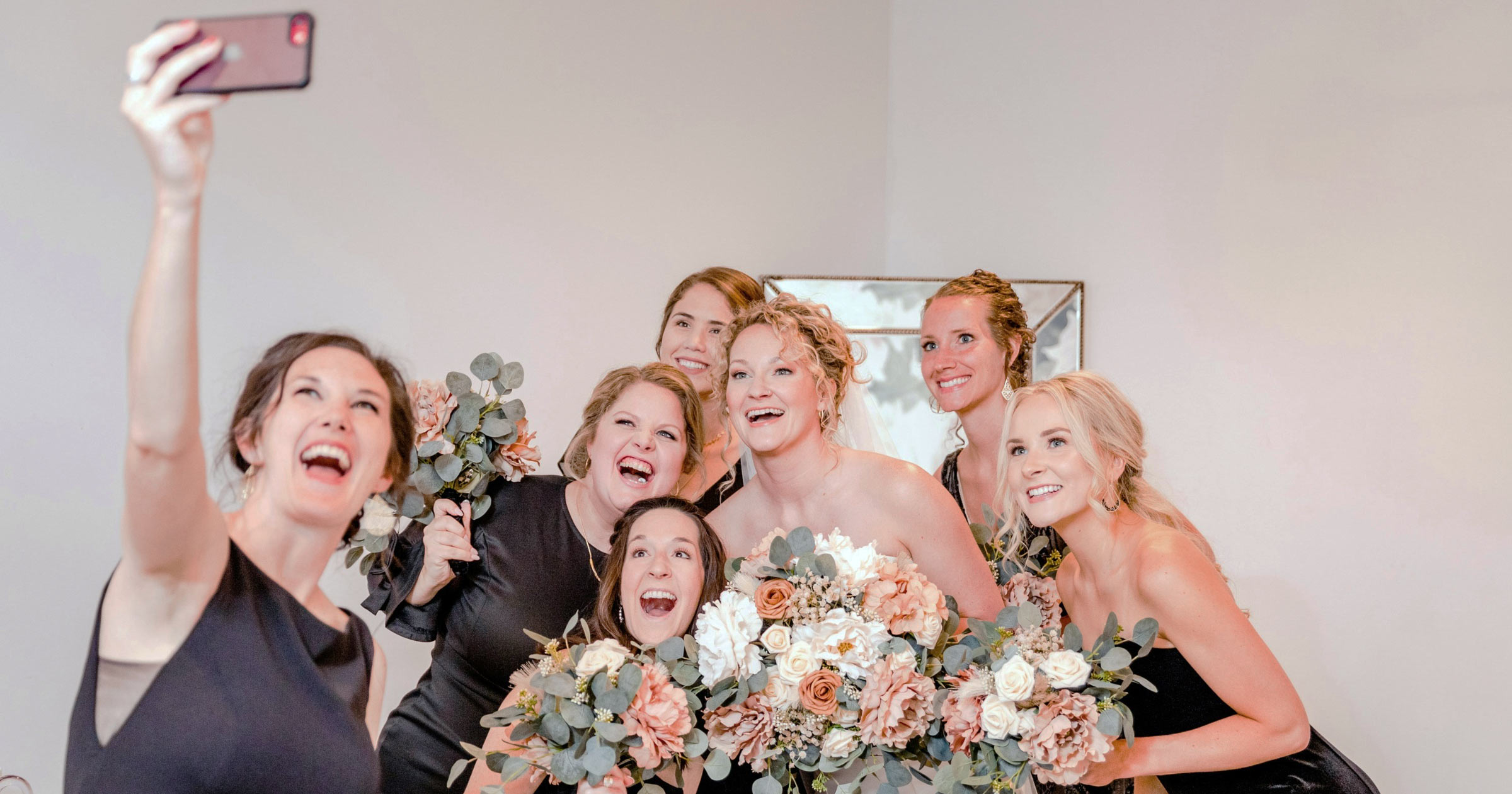
Every wedding videographer knows the math: you have one camera (maybe two), eight hours of shooting, and 150 guests — each carrying a phone with a better sensor than most broadcast cameras a decade ago. The bride's cousin catches the flower girl's mid-aisle pirouette. The groom's college roommate films a toast you didn't even know was happening. The mother of the bride records a quiet hallway moment ten minutes before the ceremony.
All of that footage disappears into personal camera rolls, shared maybe in a group chat that dies within a week. Unless you give it somewhere to go.
That's what Live Moments does. It's a guest photo and video gallery built into every OurStoria project — and it's becoming the feature that wedding videographers didn't know they needed until their couples started asking for it.
What Live Moments actually is
Live Moments is a dedicated guest-upload gallery that runs alongside your professional gallery inside the same OurStoria project. It lives on its own subdomain (live.ourstoria.app), has its own branded design, and requires zero app installs from guests.
Here's how it works:
- You enable it in your project's Live Moments settings. Choose a theme, set fonts and colors, write a welcome message, and configure the upload window (start time, end time, or leave it open indefinitely).
- You print a QR code. OurStoria generates print-ready QR cards in multiple formats — A4, A5, tent cards, postcard-style, even a 35mm filmstrip design. Place them on reception tables, at the bar, on the welcome board.
- Guests scan and upload. No app, no sign-up, no account. They scan the QR, enter a simple PIN, and start uploading photos directly from their phone camera or gallery. On Studio plans, guests can upload videos too.
- Photos appear in real time in a branded gallery, sorted into folders you define — Ceremony, Speeches, Party, Dancing, whatever fits the day.
- You download everything as a organized ZIP archive when the upload window closes.
Why this matters for your business
The obvious benefit is content: you get 50, 100, maybe 200 guest photos from angles and moments you physically couldn't cover. That's genuinely useful material — candid table reactions, dance floor energy, getting-ready moments from the bridal party's perspective.
But the business benefit is bigger than the content.
It's a referral engine
When the bride stands up at the reception and says "everyone scan this QR code to share your photos — our videographer set this up for us" — that's a live endorsement in front of 150 potential future clients. Every guest who uses it sees your logo, your brand name, and associates you with a premium, thoughtful experience. The cost of that impression through any other marketing channel would be orders of magnitude higher.
It differentiates your package
Most videographers compete on the same deliverables: highlight film, full ceremony, maybe a trailer. Live Moments is a tangible, visible feature that sets your package apart during the consultation. It's easy to explain, easy to demo (just show a sample gallery), and impossible for the couple to get from a videographer who uses Vimeo and WeTransfer.
It keeps you top of mind
Guests who upload photos to your branded gallery have interacted with your brand. When they get engaged themselves — or when their friend does — they remember the experience. It's the kind of subtle, zero-pressure marketing that compounds over years.
The scavenger hunt game
Live Moments includes a built-in scavenger hunt that turns guest photography into a game. You create a list of photo challenges — "a selfie with the couple," "the best dance move," "catch someone crying during the speech" — and guests check them off as they upload matching photos.
It sounds like a small feature, but it solves a real problem: at many weddings, only 10–15% of guests will proactively upload photos without prompting. The scavenger hunt turns that into 40–60% participation because it adds structure and fun. More photos, more engagement, more brand impressions.
You can configure multiple game modes — mission-style linear challenges, bingo grids, or timeline-based tasks that unlock at different points during the reception.
Folders, moderation, and control
Guest uploads aren't a free-for-all. As the videographer, you have full control:
- Folder categories — define folders like "Ceremony," "Speeches," "Reception," "Party" and guests choose where each upload belongs.
- Moderation — review uploads before they become visible. Approve, reject, or let everything through automatically.
- Upload window — set a specific start and end time. Once the window closes, the gallery switches to read-only mode — guests can still browse and download, but can't upload new content.
- PIN protection — a simple 4-digit PIN prevents random strangers from uploading to the gallery.
- ZIP archive — when you're ready, generate a complete archive of all uploads organized by folder. Download it, deliver it to the couple, or keep it in the project.
One project, two galleries
This is the architectural detail that matters: Live Moments is not a separate product. It's a feature inside each OurStoria project. Your professional gallery (with the edited films, color-graded photos, and your chosen layout) and the guest gallery (with the raw phone uploads from the wedding day) live side by side in the same dashboard.
One project. One set of brand settings. One analytics view. One archive.
From the professional gallery, guests can access the Live Moments gallery via a button — and vice versa. The couple gets a unified experience: your polished work and their friends' spontaneous captures, all under your brand.
What plans include Live Moments?
| Feature | Trial | Pro | Studio |
|---|---|---|---|
| Live Moments (photos) | Yes | Yes | Yes |
| Guest video uploads | No | No | Yes |
| Scavenger hunt | Yes | Yes | Yes |
| QR code templates | Yes | Yes | Yes |
| ZIP archive | Yes | Yes | Yes |
| Moderation | Yes | Yes | Yes |
Every plan — including the free Trial — gets Live Moments with photo uploads. Guest video uploads are exclusive to the Studio plan. The scavenger hunt, QR templates, folder organization, moderation, and ZIP archive are available on all plans.
The economics of offering this to couples
Let's be direct about the business case. Live Moments costs you nothing extra — it's included in your OurStoria subscription. The couple sees it as a premium add-on. Here are three ways videographers are using it:
- Include it in every package as a differentiator. "Every project includes a live guest gallery with QR code" — simple, clean, and hard for competitors to match.
- Offer it as an upsell. Some videographers list the guest gallery as a $200–400 add-on in their pricing guides. The perceived value is high because the couple can see it working at the reception.
- Use it as a closing incentive. "If you book this week, I'll include the live guest gallery at no extra charge." It's zero-cost to you but feels like a meaningful concession.
What couples actually say
The reaction we hear most often isn't about the technology — it's about the feeling. Couples tell us things like: "We didn't know half those photos existed." "My grandmother figured it out on her own." "It was the most-talked-about thing at the reception besides the food."
The grandmother comment comes up more than you'd expect. Live Moments is built to be dead simple — scan, tap, upload. No app store, no account creation, no confusion. If a 78-year-old with an iPhone can use it unassisted at a loud reception, the UX is working.
Getting started
If you already have an OurStoria account, Live Moments is ready to go. Open any project, navigate to the Live Moments tab, and enable it. You can have a guest gallery configured and a QR code printed in under five minutes.
If you're new to OurStoria, the 7-day free trial includes Live Moments with full functionality — scavenger hunt, QR templates, moderation, the complete feature set. No credit card, no restrictions beyond the trial storage limits.
Try it on your next wedding. Print the QR cards. Watch the gallery fill up during the reception. Then look at what you collected the next morning — and imagine sending the couple a gallery that includes not just your professionally edited films, but every candid moment their friends and family captured that day.
That's the experience that generates referrals. And it's included in every plan.
Learn more about Live Moments · See pricing · Start free trial